ExchangesHow-to
How to Open a Futures Position on OKX
Answer
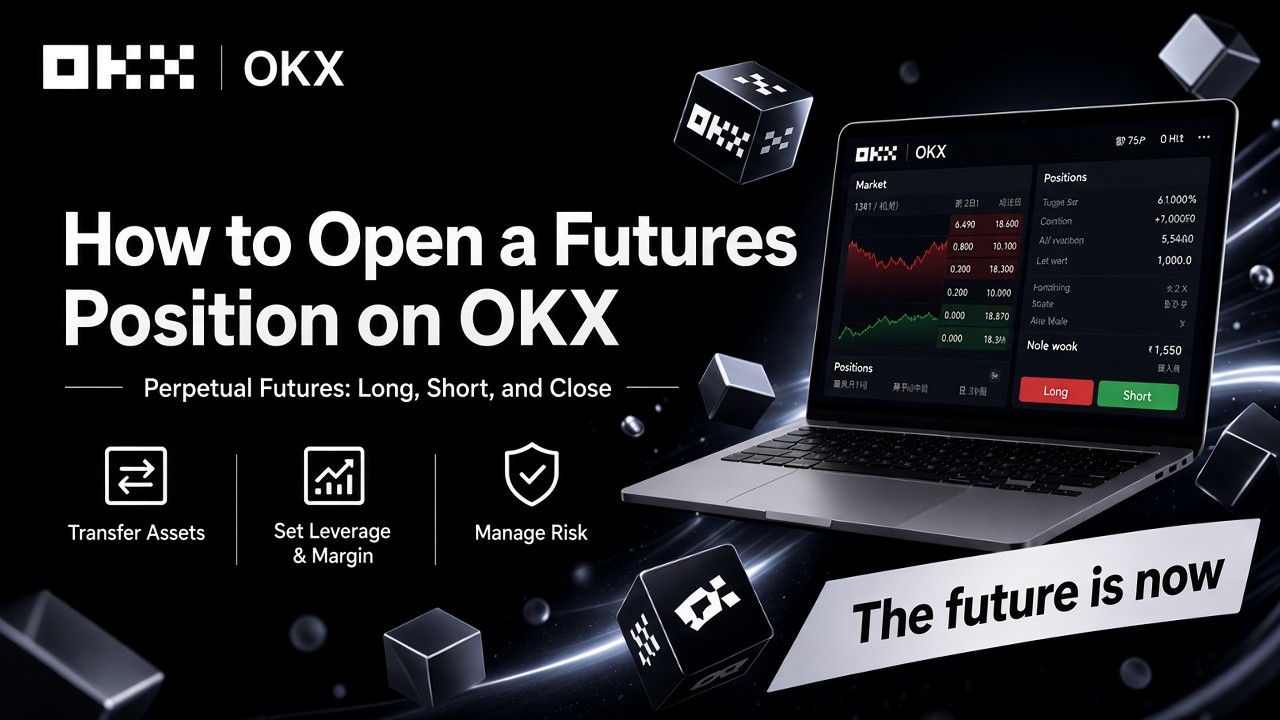
OKX futures are derivatives: you trade a view on price direction, can go long (bullish) or short (bearish), and use margin as leverage — gains and losses both scale, and if margin is too low the position can be liquidated. Products and derivatives access differ by country; check OKX's Risk & Compliance Disclosure for what is available where you live. This page explains the official order flow and risks in regions where the product is open — it does not teach workarounds. Beginner skeleton: transfer USDT (or other margin) from Funding into Trading → pick a perpetual and pair (for example BTCUSDT) → set Cross or Isolated and leverage → place a Limit/Market order to open long or short → ideally attach take-profit / stop-loss → close from Positions when needed. Work only on okx.com. Position math: How to calculate position size. Cross vs Isolated: Cross vs Isolated Margin: What's the Difference?. No account yet: How to Sign Up for OKX on the Official Website.
Contents
Before you start
- Scope of this page
- Official USDT-margined perpetual open/close flow and basic risk; not strategy tips, copy trading, proxy trading, or deep options tutorials
- Regional access
- Derivatives may be restricted where you live even if you have an account. Missing futures menus or blocked orders mean stop — this page does not cover bypasses
- Perpetual vs delivery
- Perpetuals usually have no fixed expiry and may charge funding while open; delivery contracts settle on a date. Casual "futures" talk usually means perpetuals
- USDT margin vs coin-margined
- USDT-margined contracts often collateralize and settle in stablecoins; coin-margined use the underlying coin. Beginner demos usually use USDT perpetuals
- Cross vs Isolated
- Cross: margin is shared inside Trading — efficient, but one loss can drag others. Isolated: each position is more ring-fenced — clearer single-trade risk, but easier to liquidate alone. Compare: Cross vs Isolated Margin: What's the Difference?
- Funding rate
- Perpetual-specific: periodic payments between longs and shorts. Positive funding often means longs pay shorts; negative reverses it. Interval and value follow the contract page Funding rate / countdown
- Before you start
- Account and trading permissions meet official requirements; use only the official site/App; decide the dollars you can lose on one idea, then size with the position formula
Example: official App/web USDT perpetual (labels follow the live page)
Open OKX, sign in, and confirm the address bar is okx.com. No account yet? Finish official sign-up and the verification/permissions futures require where available.
Check: Still on okx.com; signed in; futures entry is visible or the page states which permission step is missing.
Transfer margin (such as USDT) from Funding into Trading. A transfer is not opening a position — it only moves available margin into the tradable wallet.
Check: Trading available balance increased; transfer history stays inside the official account.
Open the trade page, pick a pair, and switch to Perpetual / USDT-margined if that is your intent. Do not enter via search ads or DM short links to fake trade pages.
Check: Page is still official futures; settlement asset and contract type match your choice.
Set margin mode (Cross / Isolated) and leverage. Higher leverage makes PnL swing harder for the same move and can pull liquidation closer. Do not max leverage on day one.
Check: Mode and leverage number are intentional; you understand the risk at that multiple.
Choose order type (Limit / Market and similar), enter price and size. Bullish: Buy / Open long. Bearish: Sell / Open short. Prefer attaching take-profit / stop-loss on confirm or from Positions.
Check: Direction (long/short) is correct; size matches your risk budget; stop is set or you clearly accept trading without one.
Close: from the trade page or Positions, choose Close long / Close short, Market close all, or let TP/SL fire. You can reduce size partly. After close, check realized PnL (fees and funding included).
Check: Position size fell or hit zero as planned; bills / position history can be reconciled.
What this page does not cover
- Only covers futures via okx.com / the official App; no proxy trading, guaranteed copy trading, or unofficial signal groups.
- No profit promises and no recommended leverage or direction; futures can lose your entire margin.
- Does not guarantee futures access where you live. Restricted locations/products: https://www.okx.com/help/risk-compliance-disclosure. No VPN or other bypass advice.
- Liquidation rules, position tiers, and margin-mode details follow official Help and the live trade page.
- This page is not financial advice.
FAQ
What is the difference between opening long and opening short?
Open long: buy first, sell later — profit if price rises. Open short: sell first, buy later — profit if price falls. Either side can be liquidated if price moves against you.
What happens if maintenance margin ratio gets too low?
Official rules commonly warn, cancel orders, or force-liquidate when margin is too thin. Watch margin ratio in Positions and keep spare balance for funding and volatility.
Why does floating PnL differ from realized close PnL?
Realized PnL after close usually already deducts trading fees and funding. Unrealized PnL is an estimate — not cash in hand.
How are fees calculated?
See How OKX Trading Fees Work. Both open and close fills can charge fees; rates follow your account tier.
I have not deposited yet?
Start with How to Deposit on OKX, then Transfer into Trading. Spot vs futures: Spot vs Futures Trading: What's the Difference?.